You speak, YazBunu types: the voice notes app in your pocket.
The home page covers the three steps. This page is what happens inside them.
- iPhone
- Apple Watch
- CarPlay
Four ways to start a recording
Whichever one is closest to your hand.
- From the app: tap the mic. It can also start listening the second you open the app, so there is nothing to tap.
- Siri, Shortcuts and the Action Button: say “YazBunu” and it goes straight into hands-free recording.
- Apple Watch: start from your wrist and the recording moves to the phone.
- CarPlay: one tap on the car screen.
If a call comes in the recording pauses and does not resume without your approval. If your Bluetooth headset drops, it falls back to the built-in mic instead of dying. After ten seconds of silence it stops and asks.
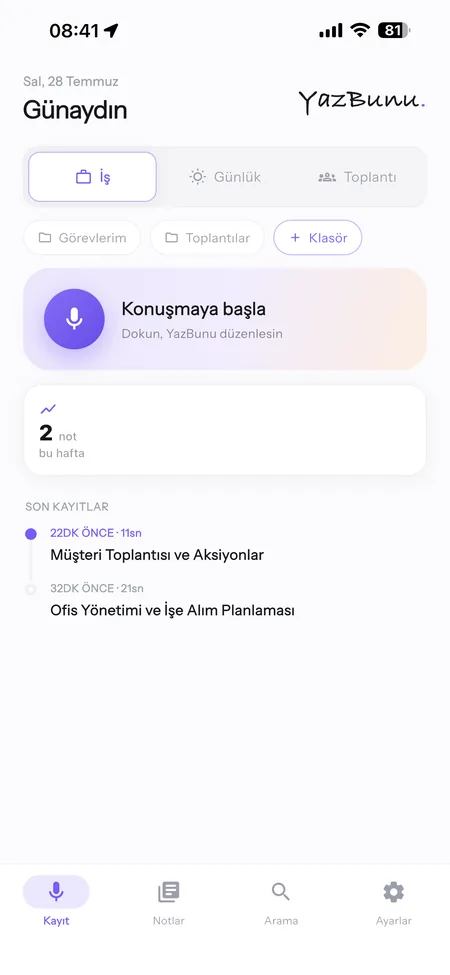
Not a raw transcript, something you can use
Your words are split into headings, bullets and tasks. The raw text is kept too, one tap away.
- Nothing is trimmed: dates, times, names and numbers stay and get highlighted.
- Mixed-language business talk survives: “meeting”, “approve” and “deadline” stay as they were said.
- Tags and folders: notes are tagged automatically; you pick the folder, and templates get you started.
- Search: matches are highlighted and you jump between them inside a note. Filter by space, date, folder and tag.
- Export: txt and md.
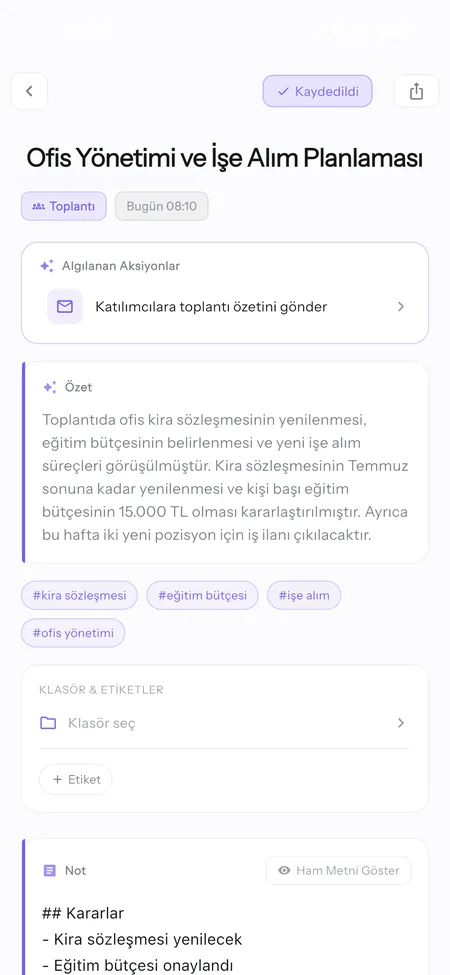
The app does the work inside the note
It recognises six kinds of work and runs what is needed.
- Email: from your own account, in your name
- Call: finds the number in your contacts
- WhatsApp: drafts the message
- Calendar: adds the meeting
- Reminder: sets it with the time
- Location: shares it
If your contacts point to exactly one person it acts and tells you, with five seconds to undo. If there are two people with the same name it stops and asks which one.
The voice assistant can read every action out loud and wait for your “yes”. It is off by default and lives in Settings.
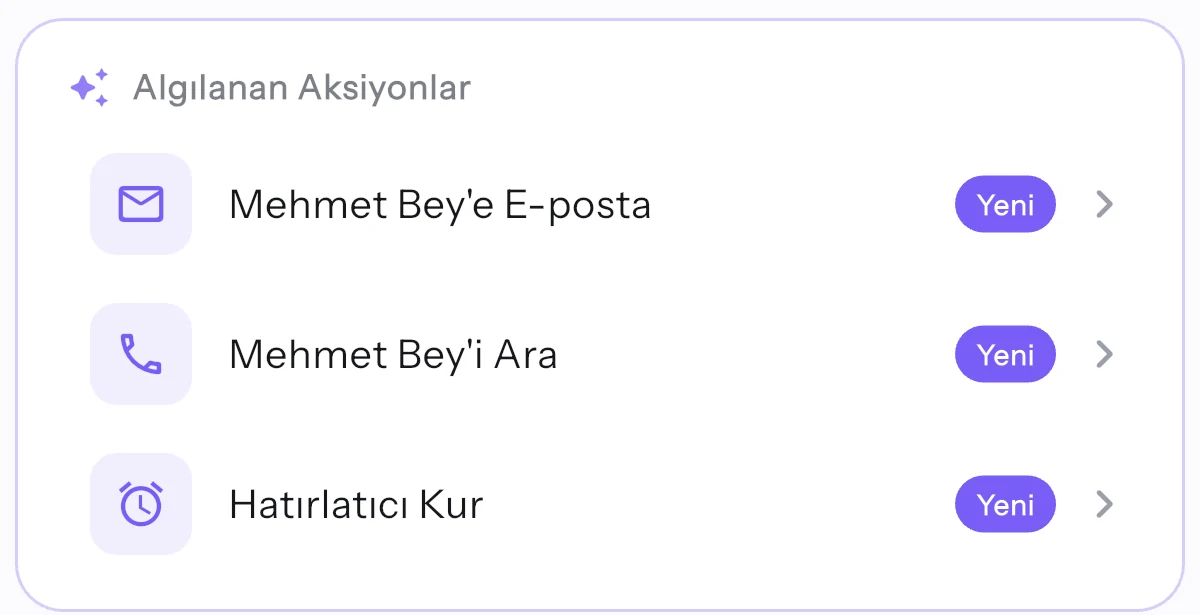
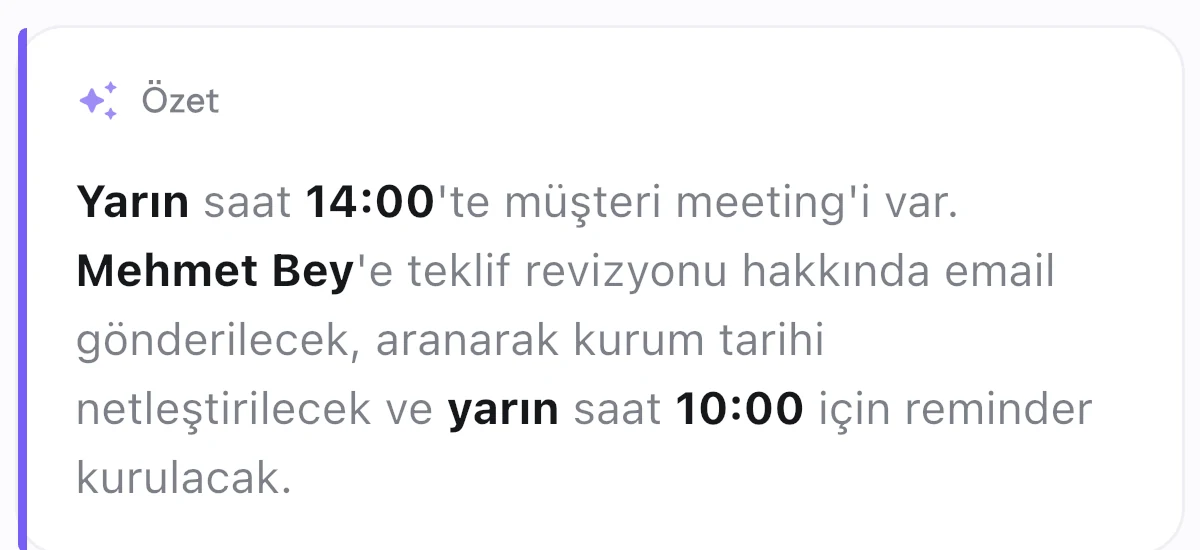
Without taking the phone out of your pocket
CarPlay
A tabbed interface on the car screen: record, play back recent notes, run actions by voice. Anything that needs a screen is handed to the phone for safety, and the app tells you so.
Apple Watch
Record from your wrist, the audio moves to the phone and the finished note appears on the watch. Put the complication on your face and it opens with one tap. Lowering your wrist does not stop the recording.
Meeting mode
Put the phone on the table in a face-to-face meeting. It records for hours and gives you the summary, the decisions, who owns what and the follow-up email. It separates speakers, and entering participant names up front makes those names come out right.
Your recording survives the app closing
- Written to the device first: with no connection it waits, then finishes.
- State is tracked: transcribing, structuring, ready. An unfinished job never disappears quietly; the app asks whether to continue.
- Runs in the background: locking the screen does not stop the recording.
- Long recordings: hours-long sessions are processed in chunks and you see the progress.
- Incomplete text, fetched again: the audio stays on your phone, so you can have the transcript produced again from scratch; a half-finished note is not written off.
Backup is optional and the server cannot read it
- Local when backup is off: leave cloud backup off and your notes stay on your phone only.
- Encrypted backup: turn it on and notes are encrypted on device; only the encrypted form reaches the server.
- Audio stays out: only the note text is backed up.
- Delete your account: from inside the app, and your data goes with it.
Try one recording. The first note makes the point.
Try it for 7 days, leave with one tap.